 Copydeck
 Copydeck for Adobe Illustrator
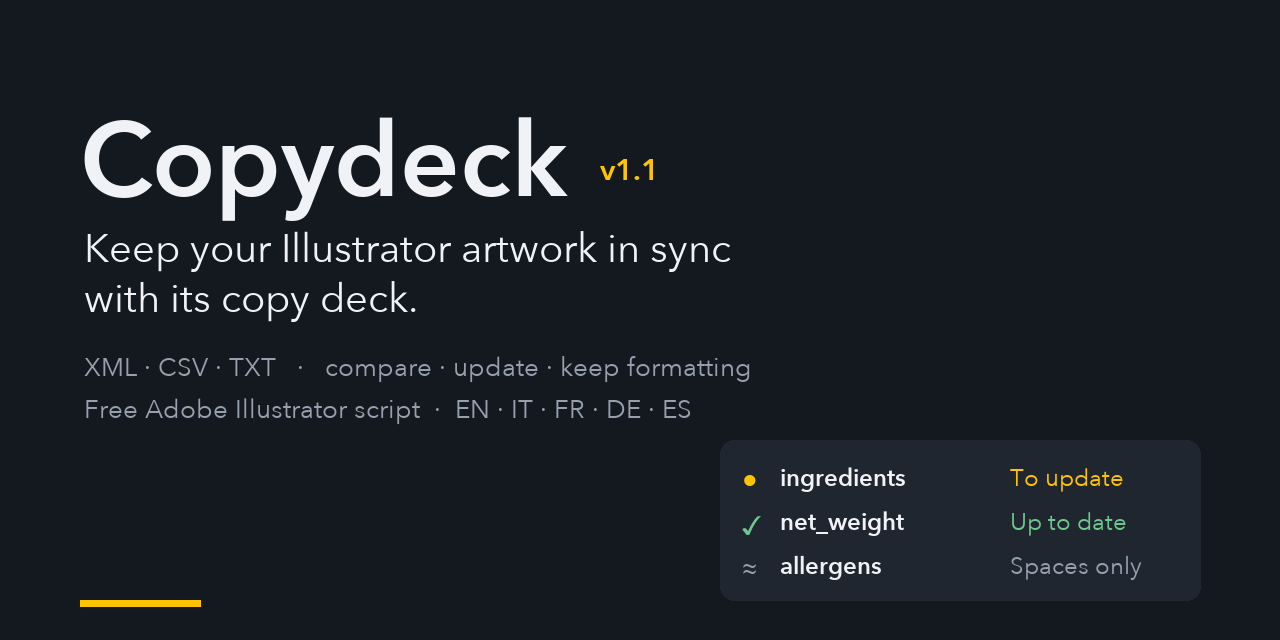
Keep your Illustrator artwork in sync with its copy deck. Compare text variables with an XML, CSV or TXT file, see exactly what changed and update the texts without losing formatting.
Download Copydeck.jsx Source on GitHub v1.1 · Free and open source · GPL-3.0 license
What is Copydeck?
A copy deck is the document that holds every text of a pack, a label or a campaign: product name, ingredients, nutrition table, allergens, legal notes, claims. Copydeck links that document, saved as XML, CSV or TXT, to your Illustrator artwork through Illustrator variables, and tells you which texts on the artboard are out of date.
Illustrator’s own Variables panel and data merge can import the data, but they do not show what changed, they bind each variable to a single object, and applying a data set rewrites the whole text with its formatting. Copydeck keeps Illustrator’s variables and adds a clear, safe workflow on top of them.
Features
- Comparison view: status of every variable (to update, up to date, not bound, new in file, not in file), the text in the document, the text in the file and the exact part that will change.
- Updates that keep formatting: only the words that differ are replaced. Bold, colours, character styles and, optionally, manual spaces and line breaks are kept.
- Ignore what does not matter: differences in spaces and line breaks (and, optionally, upper/lower case) are not counted as changes. Formatting never is.
- Update one, some or all variables, with undo of the last update.
- Remembers the source: the linked data file and, for every variable, the file and record it was last updated from are stored inside the
.aifile. - Binding tools: searchable lists of text objects and variables, pick on artboard, bind the current selection, create a variable from a text.
- Auto-match: proposes bindings for the objects whose text already equals a variable’s value, with doubtful cases listed but not preselected.
- One variable, several objects, and bindings that survive copy and paste into another document.
- XML, CSV and TXT in the formats used by Illustrator and by VariableImporter.
- Interface in English, Italian, French, German and Spanish.
Who is it for?
- Packaging and label designers who update ingredients, nutrition facts, allergens, net weights and legal texts across many SKUs.
- Agencies and studios that receive a copy deck from the client and need to check every text against the artwork.
- Catalogues, price lists and data-driven graphics made with Illustrator’s data merge.
- Multilingual packaging, with one record per language or market.
How it works
- Open your
.aifile and run Copydeck (File > Scripts > Copydeck). - Press Choose data file… and pick your XML, CSV or TXT. The link is saved in the
.aifile. - Check the rows marked ● To update: the panel below shows the current text, the new text and what will change.
- Press Update this one or Update all variables to update, then save the
.aifile.
New variables can be bound with Auto-match…, by picking the object on the artboard, or from the Text objects tab. See the manual for every option.
Copydeck and Illustrator’s Variables panel
| Illustrator Variables panel | Copydeck | |
|---|---|---|
| See which texts differ from the data | No | Yes, with the exact change |
| Update a single variable | Only by switching data set | Yes |
| Keep the formatting of unchanged words | No | Yes |
| Ignore differences in spaces and line breaks | No | Yes |
| One variable on several objects | No | Yes |
| Remember the source file and update history | No | Yes, inside the .ai file |
| Keep bindings when copying artwork to another file | No | Yes, through the object’s Note |
Data files
XML: the Variable Library that Illustrator saves from the Variables panel. <p> becomes a paragraph, <br/> a forced line break, <b> and <i> bold and italic.
CSV and TXT: the first row holds the variable names, every following row is a record.
product_name,net_weight,ingredients,@photo,#show_badge
Tomato soup,500 g,"Tomatoes 85%, water, olive oil, salt",/images/tomato.jpg,TRUE
Pea soup,400 g,"Peas 70%, water, CELERY, salt",/images/pea.jpg,FALSE
Sample files are in the examples folder on GitHub.
Installation
Download Copydeck.jsx and copy it into Illustrator’s Scripts folder (Presets/<language>/Scripts), then restart Illustrator. You can also run it once with File > Scripts > Other Script…. The manual explains how to give it a keyboard shortcut.
Frequently asked questions
How do I update text variables in Illustrator from a CSV or XML file?
Run Copydeck, choose the data file and open the “Variables and comparison” tab. Every variable whose text differs from the file is marked “To update”. Update them one by one or all together; only the words that changed are replaced.
Does Copydeck work with Illustrator's Variables panel and data sets?
Yes. Copydeck reads and writes the same variables you see in the Variables panel, and loads the Variable Library XML that Illustrator saves. It adds a clearer comparison and safer updates on top of it.
Can one variable be bound to several text objects?
Yes. The first object uses Illustrator’s own binding, the others are bound by Copydeck through a “VAR:name” line in the object’s Note. All of them are updated together.
Will updating a variable remove bold, colours or manual line breaks?
No. Copydeck replaces only the words that differ, so the formatting of the rest of the text is kept. With “Ignore spaces and line breaks” on, your manual line breaks stay where they are.
Which CSV format does Copydeck read?
The same format as Illustrator’s data merge. The first row holds the variable names, every following row is a record. Columns starting with @, # or % are image, visibility and graph variables. Comma, semicolon and tab delimiters and UTF-8, UTF-16 and Windows-1252 encodings are detected automatically.
Which Illustrator versions are supported?
Copydeck is an ExtendScript (.jsx) script and runs on Illustrator for Windows and macOS with scripting support. It was written for Illustrator 2025; feedback on other versions is welcome on GitHub.
Is Copydeck free?
Yes. Copydeck is free and open source under the GNU GPL v3. You can use it for any work, also paid; modified versions can be shared only under the same license, with their source code.